A free Shred the Secrets calculator to track all 30 badges, see your completion percentage, and plan which upgrade line deserves your next cash stack.
Shred the Secrets Calculator & Badge Tracker
Use this free Shred the Secrets calculator to log how many of the 30 Roblox badges you have earned in Shred the Secrets, see your completion percentage, and plan which upgrade line deserves your next batch of cash.
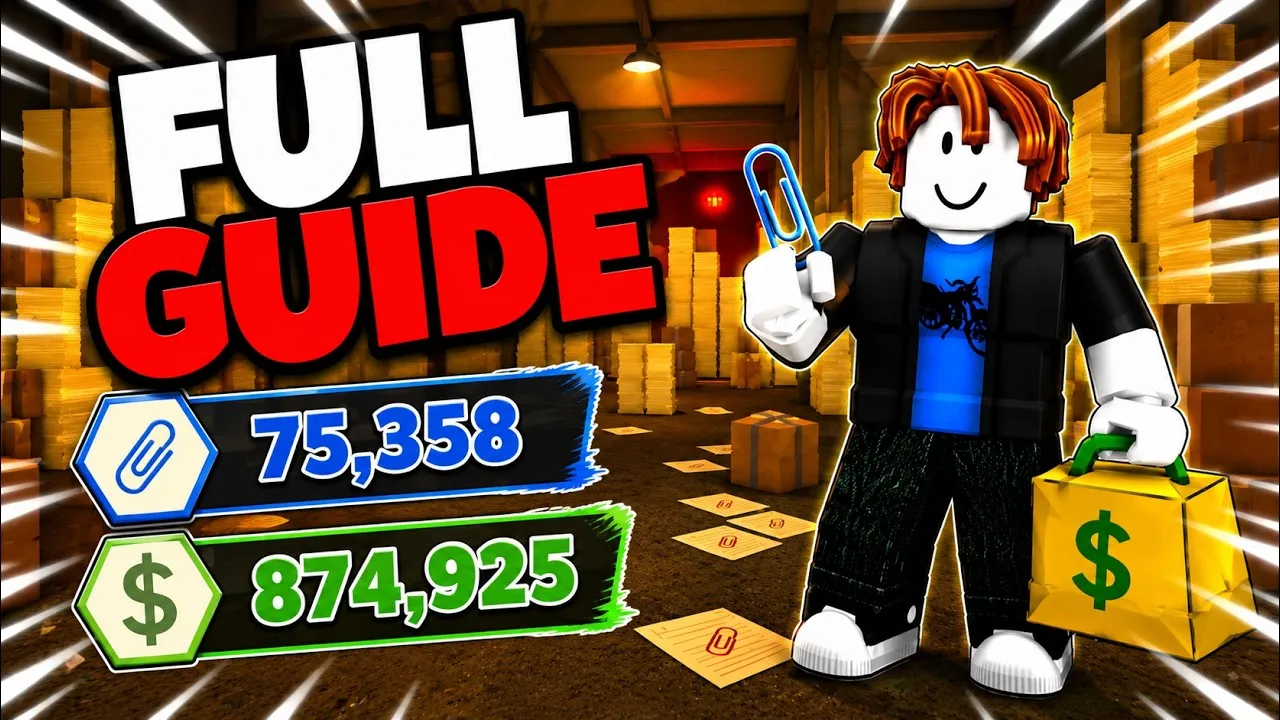
Shred the Secrets currently has 30 Roblox badges spanning progression (clearing rooms, shredding documents) and secret discovery (hidden interactions, keys, unusual events, alternate endings). Enter how many you have earned to see your completion status.
Just getting started. Focus on the collect-shred loop and early upgrades. You still need 30 badges for full completion.
Disclaimer: this is a fan-made tracker for Shred the Secrets. The badge count (27) reflects the current live game and is updated when the developer adds new badges. Milestone labels are our own, not official ranks.
Which Upgrade Should You Buy Next?
Your cash is limited early, so spending order matters. Tap an upgrade line to compare. Community consensus: Carrying and Movement first, then Vacuum, with Shredding and Progression as mid-game buys.
Frequently Asked Questions
How do I earn more badges?
Progression badges come from clearing rooms and shredding documents. Secret-discovery badges require hidden interactions: inspect odd objects, find keys to locked areas, watch for unusual office events, and try alternate-ending choices.
How many endings are there?
Community walkthroughs confirm at least two distinct endings, reached by making different choices during your run. Exact conditions for each are still being documented — check the Wiki page as findings are confirmed.
Is this tracker official?
No. It is a fan-made tool for Shred the Secrets. The badge math is exact against the current live badge count; milestone names are our own.
Plan your next move
Full Walkthrough & All Endings in Shred the Secrets
This video walks through the full game including the endings in Shred the Secrets. It auto-plays when you scroll near it.

Why use a Shred the Secrets calculator?
A Shred the Secrets calculator does what a good run plan should: keeps every one of the 30 badges visible, tracks your completion percentage, and stops you spending cash on the wrong Skill Tree line. Pair it with the upgrade tier list for the exact buying order, or use the badges guide to see how each badge is earned in the first place.
The Shred the Secrets calculator is free and runs entirely in your browser — nothing is uploaded, so your progress stays private.
Shred the Secrets Calculator FAQ
How to get the most from this Shred the Secrets calculator, its badge tracker, and its upgrade planner.
How do I use the Shred the Secrets calculator?
Open the tracker below, mark the badges you have already earned, and the calculator instantly shows your completion percentage out of 30. Then use the upgrade planner to see which Skill Tree line your next batch of cash should fund.
What does the Shred the Secrets calculator track?
It tracks two things: your badge completion across all 30 Roblox badges, and your upgrade-planning decisions across the five Skill Tree upgrade lines. Everything is stored locally in your browser, so it resets when you clear your site data.
Is the Shred the Secrets calculator accurate?
It uses only your inputs plus the verified badge set from the Roblox badge API, so it is as accurate as the data you give it. It does not guess badge status for you — mark each badge as you earn it.
Which upgrade should the planner tell me to buy first?
In most runs the Shred the Secrets calculator recommends Movement Speed and Document Carrying first because both are S-tier, followed by Vacuum and then Shredding. If your build differs, the planner lets you override the priority and keep planning.
What happens to my badge progress if I refresh the page?
Because the Shred the Secrets calculator saves your progress in your browser, refreshing keeps your marks. Clearing site data or using a different device will reset it, so export your list if you switch machines.
Do I need the calculator to beat Shred the Secrets?
No. The Shred the Secrets calculator is a convenience tool. Every badge, ending, and upgrade is reachable with normal play, but the planner helps you avoid wasteful spending so you get there faster.
Continue Reading
Tools and guides that work well alongside this Shred the Secrets calculator.
Just getting started? Read the Beginner Guide, then run the numbers here in the Shred the Secrets calculator before your next cash dump.